Charging tipsThis section explains methods for using the charging function for this vehicle and
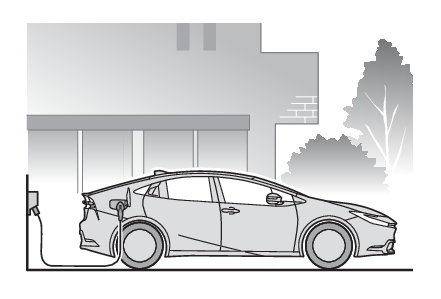
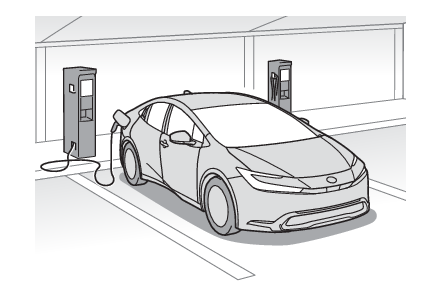
checking information related to charging.Systematically chargingTo enable the use of EV mode or AUTO EV/HV mode, we recommend systematically charging
the vehicle.Before leaving homeIn order to use EV mode or AUTO EV/HV mode, charge the hybrid battery (traction battery)
at home before leaving.At your destinationUse a public charging station to charge the hybrid battery (traction battery).If there are no charging facilities at your destination, the hybrid battery (traction
battery) can be charged using the hybrid battery (traction battery) charge mode. (Switching to the hybrid battery (traction battery) charge mode)**When using the hybrid battery (traction battery) charge mode while parked, make sure
that no flammable objects are near the vehicle and the vehicle is parked in a well-ventilated
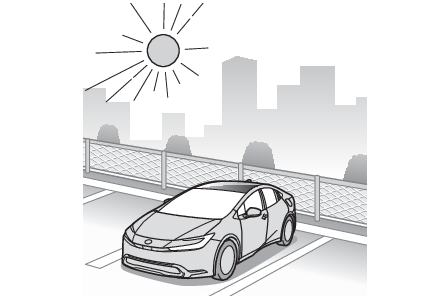
area. (When using the hybrid battery (traction battery) charge mode)While parking (vehicles with solar charging system)Solar charging is performed to charge the hybrid battery (traction battery) when the
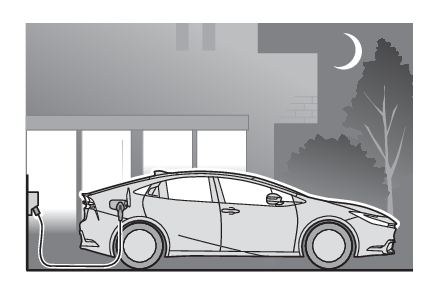
necessary conditions such as parking are met. (Solar charging system*)After returning homeIn order to drive the next time, charge the hybrid battery (traction battery).Settings the charging schedule allows you to charge the hybrid battery (traction battery)
at the desired time such as late at night or early in the morning. Furthermore, the
charging schedule can be set to automatically charge the hybrid battery (traction
battery) every day or at the same time on certain days. (Using the charging schedule function)Vehicles with solar charging system: When the hybrid battery (traction battery) is
fully charged, charging the battery via the solar charging system is not performed.
If you are not planning on driving the vehicle for a few days, refraining from charging
the vehicle until right before you plan on using it will allow the solar charging
system to be used effectively.Charging
Information related to charging displayChecking information related to chargingInformation related to charging is displayed and can be checked on the multi-information
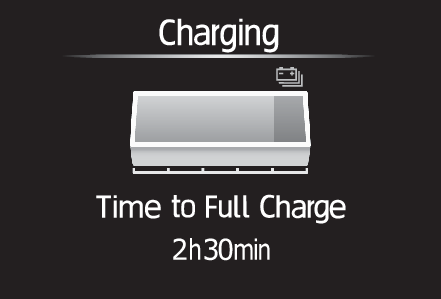
display.While chargingWhen any door is opened during charging with the power switch off, the current charging
condition and approximate time remaining until charging is complete are displayed
for a certain period of time.The actual charging time may differ depending on conditions such as the remaining
capacity of the hybrid battery (traction battery), outside temperature, and specifications
of the AC charger.The time until charging completed may not be displayed if the charging current to
the hybrid battery (traction battery) becomes smaller and the charging time becomes
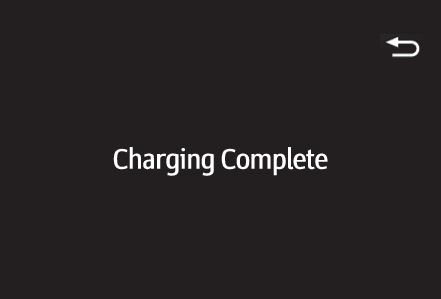
longer.After charging is completeWhen any door is opened with the power switch off after charging is complete, a message
detailing the results of the charging is displayed for a while. Also, a message is
displayed if an operation that stops charging is performed or a situation where charging
cannot be performed occurs.When a message is displayed, follow the instructions displayed on the screen. (When charging-related message is displayed)Note:Multi-information display during chargingIf approximately 100 seconds elapse after the power switch is turned to ON during
charging, the power switch will automatically turn off and the display will disappear.