|
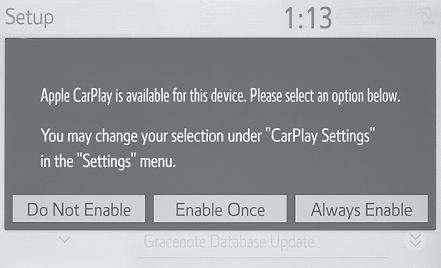
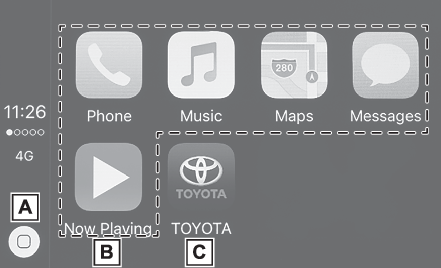
An Apple CarPlay connection cannot be established.
|
Check if the device supports Apple CarPlay.Check if Apple CarPlay is enabled on the
connected device.For details, refer to https://www.apple.com/ios/carplay/.
|
|
Check if “
Apple CarPlay” on the general settings screen is set to on. (Displaying the general settings screen)
|
|
Check if the Lightning cable being used is certified by Apple Inc., and if it is securely
connected to the device and USB port.
|
|
When the iPhone is connected using a USB hub, etc., an Apple CarPlay connection may
not be established. Connect the lightning cable to USB the port directly.
|
|
After checking all of the above, try to establish an Apple CarPlay connection. (Establishing an Apple CarPlay connection)
|
|
When an Apple CarPlay connection is established and a video is being played, the video
is not displayed, but audio is output through the system.
|
As the system is not designed to play video through Apple CarPlay, this is not a malfunction.
|
|
Although an Apple CarPlay connection is established, audio is not output through the
system.
|
The system may muted or the volume may be low. Increase the system volume.
|
|
The Apple CarPlay screen has artifacts and/or audio from Apple CarPlay has noise.
|
Check if the Lightning cable being used to connect the device to the system is damaged.To
check if the Lightning cable is damaged internally, connect the device to another
system, such as a PC, and check if the device is recognized by the connected system.
(The device should begin charging when connected.)
|
|
After checking all of the above, try to establish an Apple CarPlay connection. (Establishing an Apple CarPlay connection)
|