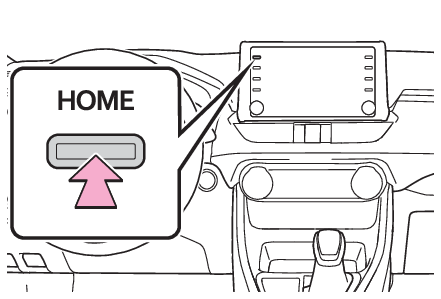
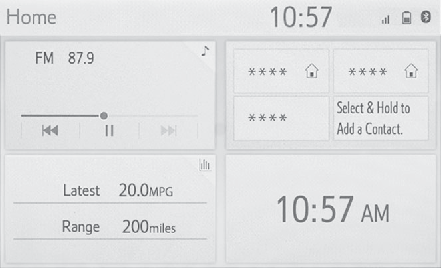
Home screenHOME buttonHome screenOn the home screen, multiple screens, such as the audio/visual system screen, hands-free
screen and clock screen, can be displayed simultaneously.Home screen operationPress the “
HOME” button.Check that the home screen is displayed.Selecting a screen will display it full screen.Note:The display information and area on the home screen can be customized.The home screen can be set to several types of split layoutsCustomizing the home screenThe display information/area on the home screen and the home screen layout can be
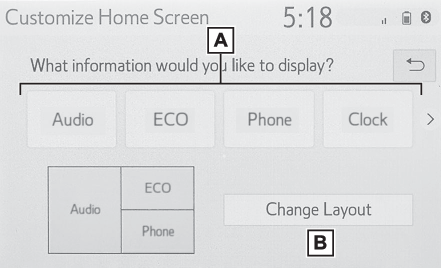
changed.Press the “
MENU” button.Select “
Setup”.If the general settings screen is not displayed, select “
General”.Select “
Customize Home Screen”.Select the items to be set.Select to change the display information and area on the home screen.Select to change the home screen layout.