|
The image is difficult to see
|
The vehicle is in a dark area
The temperature around the lens is either high or low
The outside temperature is low
There are water droplets on the camera
It is raining or humid
Foreign matter (mud etc.) is adhering to the camera
Sunlight or headlights are shining directly into the camera
The vehicle is under fluorescent lights, sodium lights, mercury lights etc.
|
Back up while visually checking the vehicle’s surroundings. (Use the monitor again
once conditions have been improved.)
The procedure for adjusting the picture quality of the rear view monitor system is
the same as the procedure for adjusting the screen. (Screen adjustment)
|
|
The image is blurry
|
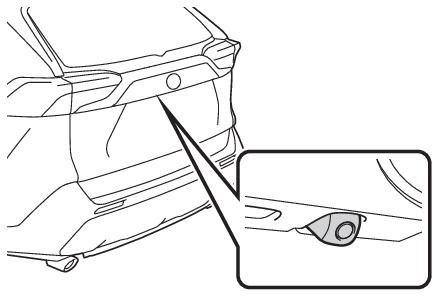
Dirt or foreign matter (such as water droplets, snow, mud etc.) is adhering to the
camera.
|
Flush the camera with a large quantity of water and wipe the camera lens clean with
a soft and wet cloth.
|
|
The image is out of alignment
|
The camera or surrounding area has received a strong impact.
|
Have the vehicle inspected by your Toyota dealer.
|
|
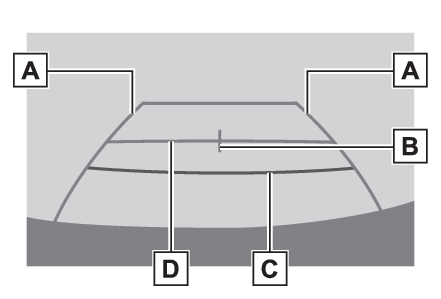
The fixed guide lines are very far out of alignment
|
The camera position is out of alignment.
|
Have the vehicle inspected by your Toyota dealer.
|
|
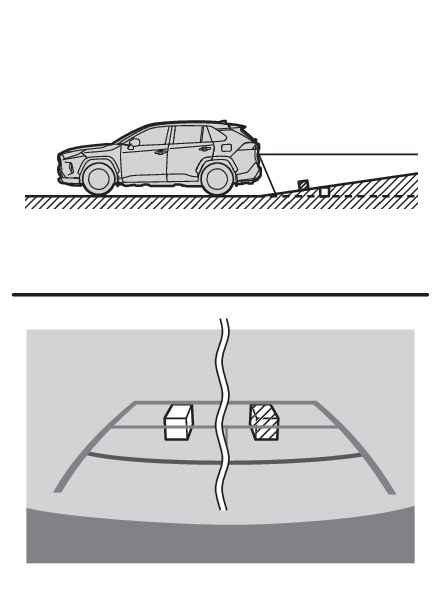
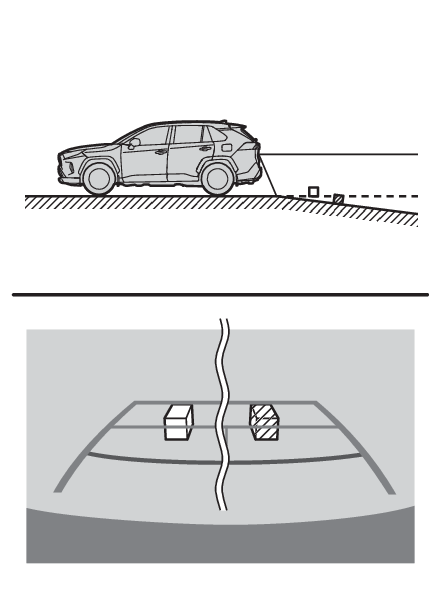
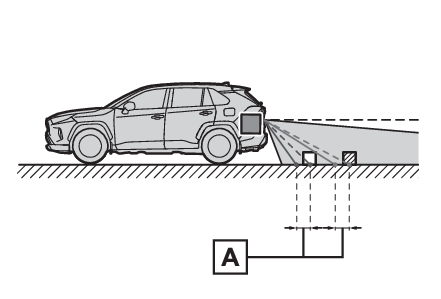
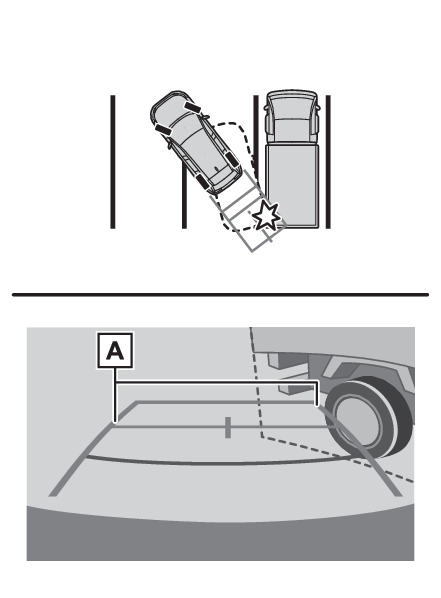
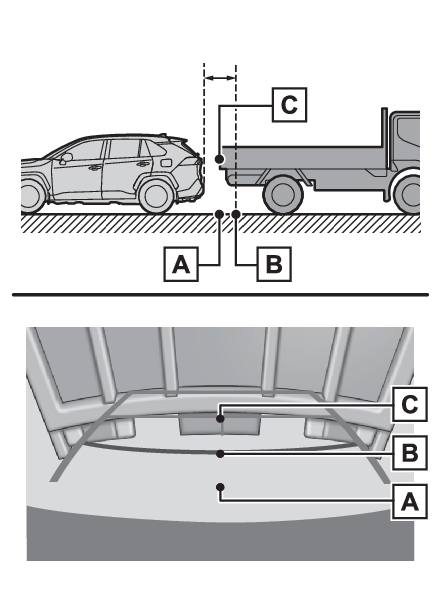
The vehicle is tilted (there is a heavy load on the vehicle, tire pressure is low
due to a tire puncture, etc.)
The vehicle is used on an incline.
|
If this happens due to these causes, it does not indicate a malfunction.
Back up while visually checking the vehicle’s surroundings.
|