|
Continuously blinks 1 time per second
|
Communication malfunction between the wireless charger and smart key system
|
If the hybrid system is running, stop the hybrid system and then restart it.
If the power switch is in ACC, start the hybrid system. (Power (ignition) switch)
|
|
Continuously flashes 3 times (orange)
|
Foreign matter detected
If a metallic foreign object is detected in the charge area, the overheat prevention
function of the metallic foreign object will operate
|
Remove the foreign object from the charge area.
|
|
Portable device not aligned correctly
If the charging coil of a portable device is not properly positioned on the charging
area, the overheat prevention function will operate
|
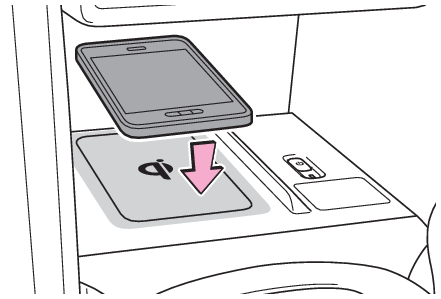
Remove the portable device from the charging tray, check that the operation indicator
light changes back to green, and then place the portable device so that it is near
the center of the charging tray.
Also, if a case or cover is installed to the portable device, remove it.
|
|
Continuously flashes 4 times (orange)
|
Temperature inside wireless charger exceeded a certain amount
|
Stop charging, remove the portable device from the charging tray, and wait for the
temperature to decrease before attempting to begin charging again.
|