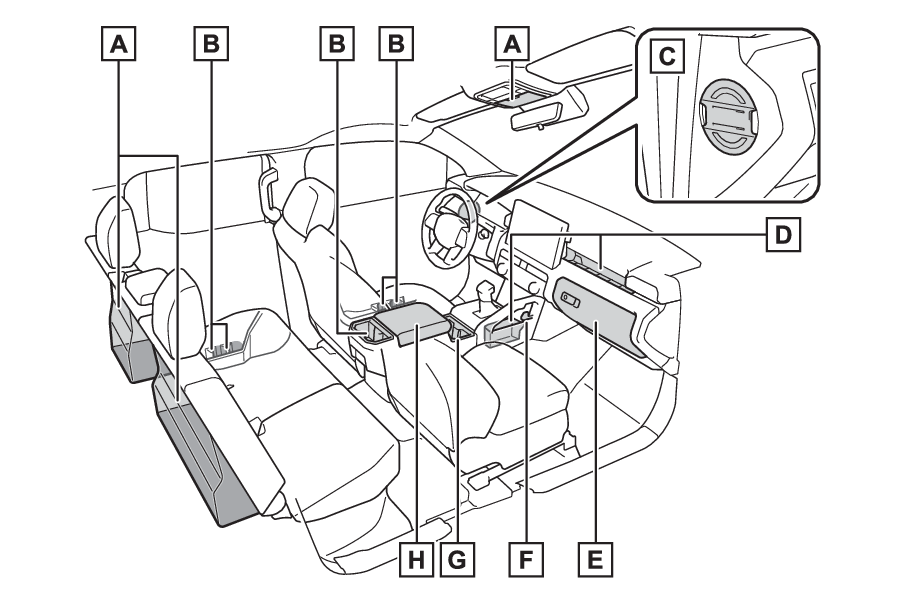
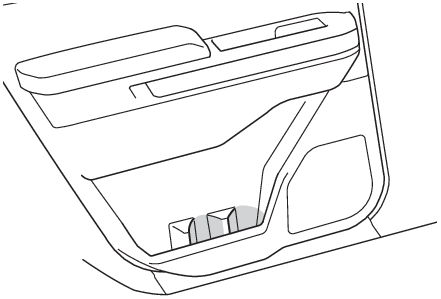
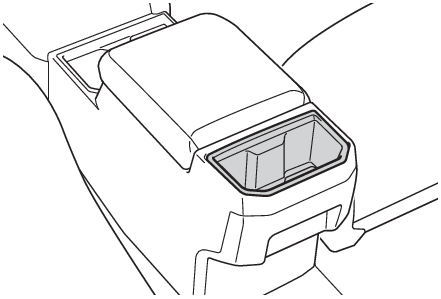
Storage featuresList of storage featuresLocation of the storage featuresAuxiliary boxes (if equipped)Bottle holdersStorage boxOpen trayGlove boxStorage hookCup holdersConsole boxWarning:Items that should not be left in the storage spacesDo not leave glasses, lighters or spray cans in the storage spaces, as this may cause
the following when cabin temperature becomes high:Glasses may be deformed by heat or cracked if they come into contact with other stored
items.Lighters or spray cans may explode. If they come into contact with other stored items,
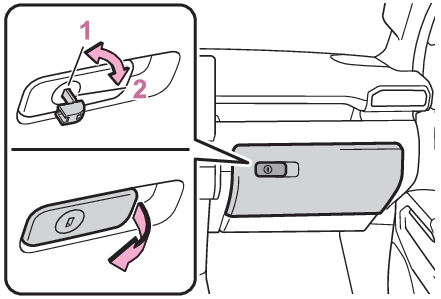
the lighter may catch fire or the spray can may release gas, causing a fire hazard.Glove boxGlove boxPull the lever to open.Unlock with the mechanical keyLock with the mechanical keyWarning:Caution while drivingKeep the glove box closed. In the event of sudden braking or sudden swerving, an accident
may occur due to an occupant being struck by the open glove box or the items stored
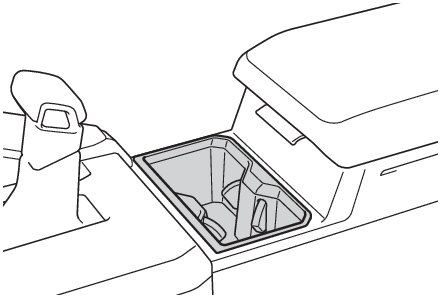
inside.Cup holdersCup holdersWarning:Items unsuitable for the cup holderDo not place anything other than cups or beverage cans in the cup holders.Inappropriate
items must not be stored in the cup holders.Other items may be thrown out of the holders
in the event of an accident or sudden braking and cause injury. If possible, cover
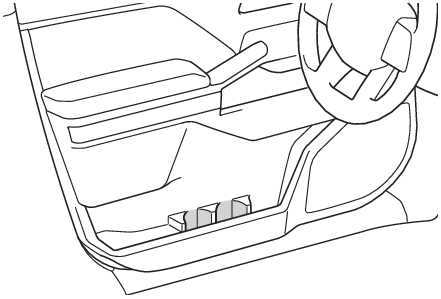
hot drinks to prevent burns.Bottle holdersBottle holdersFrontRearRear of console boxNote:Bottle holdersWhen storing a bottle, close the cap.The bottle may not be stored depending on its size or shape.Warning:Items unsuitable for the bottle holdersDo not place anything other than a bottle in the bottle holders.Other items may be
thrown out of the holders in the event of an accident or sudden braking and cause
injury.Notice:Items that should not be stowed in the bottle holdersPut the cap on before stowing a bottle. Do not place open bottles in the bottle holders,
or glasses and paper cups containing liquid. The contents may spill and glasses may
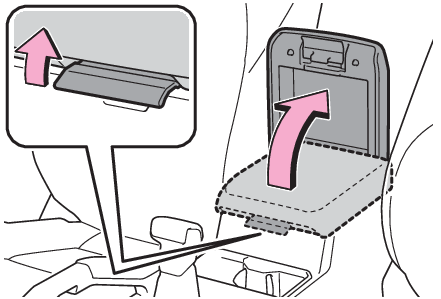
break.Console boxConsole boxLift the lid while pulling up the lever.Warning:Caution while drivingKeep the console box closed.Injuries may result in the event of an accident or sudden
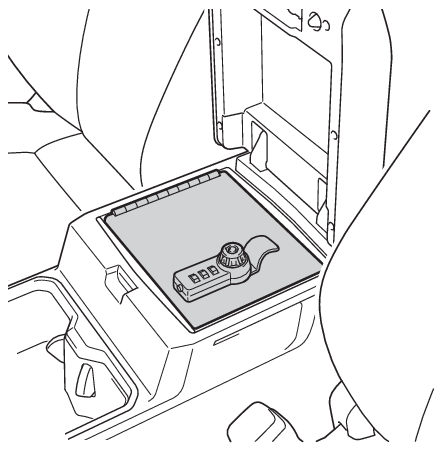
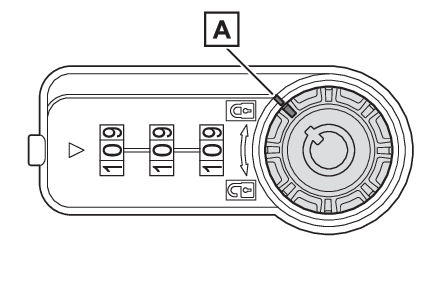
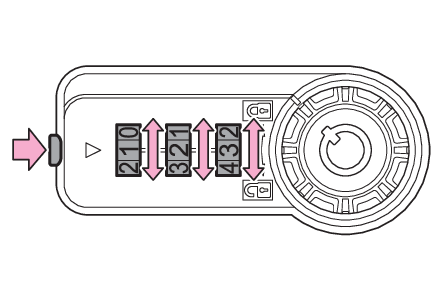
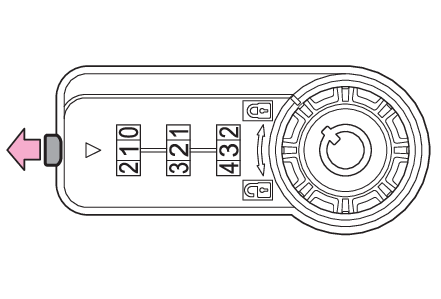
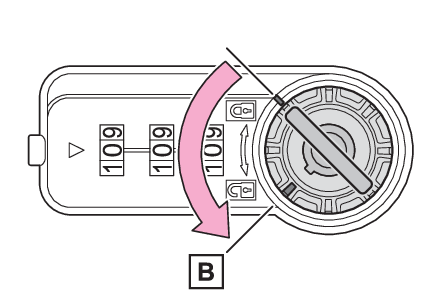
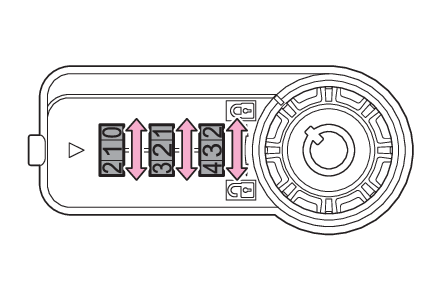
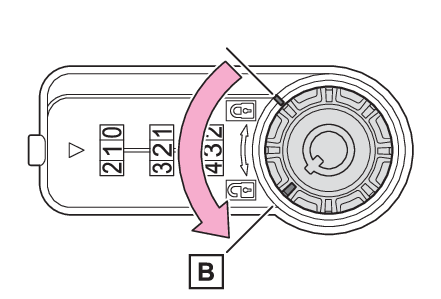
braking.Console vault (if equipped)The console vault can be locked with the key or security code.How to change the security codeCheck that it is in the lock position and match the security code to the unlock number.
(default setting is 0-0-0)Lock positionEnter the new desired security code while pressing the reset button.Release reset button.Use the key to openThe key can be used to open the console vault without entering the security code.Insert the key and then set to the unlock position.Unlock positionOpen the console vault.Match the security code and openMatch the security code that was set.Set to the unlock position.Unlock positionOpen the console vault.Note:When the security code is forgottenIf the security code is forgotten, recover the security code with the following steps.Insert the key and set to the unlock position.Turn each dial until it stops.The security code is the number on which the dials stopped.Warning:Caution while drivingKeep the console vault closed.Injuries may result in the event of an accident or sudden
braking.When opening and closing the console vaultTake care to prevent your fingers etc. from being caught.Notice:Opening and closingDo not force the console vault open when it is locked.Failure to do so may break the
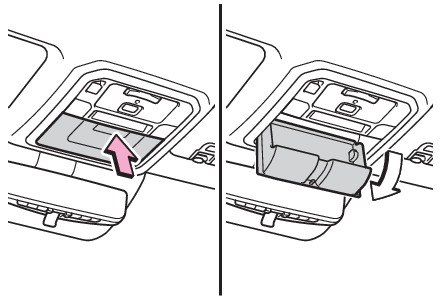
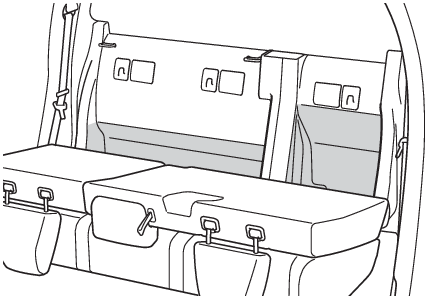
key and console vault.Auxiliary boxesAuxiliary boxes (if equipped)Type APush in and release the auxiliary box.This box is useful for temporarily storing the small items.Type BFolding down the rear seatbacks. (Folding down and returning the rear seatbacks)Warning:Items unsuitable for storing (type A)Do not store items heavier than 0.4 lb. (0.2 kg).Doing so may cause the auxiliary
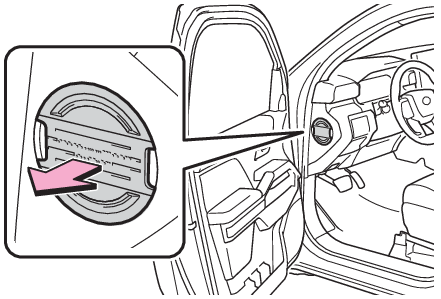
box to open and the items inside may fall out, resulting in an accident.Storage boxPull out the panel as shown in the figure below.Warning:Items unsuitable for storingDo not store items heavier than 0.6 lb. (0.3 kg).Doing so may cause the auxiliary
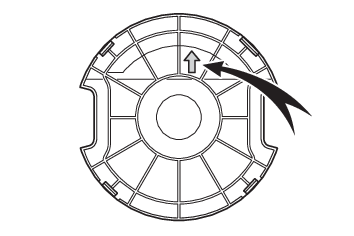
box to open and the items inside may fall out, resulting in an accident.There is an arrow on backside of cover to show correct, upward orientation for re-installation.Open trayType AType BWarning:Items unsuitable for the open trayObserve the following precautions when putting items in the open tray.Failure to do
so may cause items to be thrown out of the tray in the event of sudden braking or
steering. In these cases, the items may interfere with pedal operation or cause driver
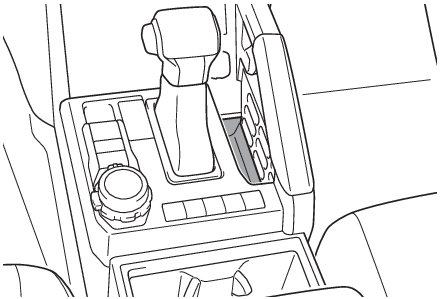
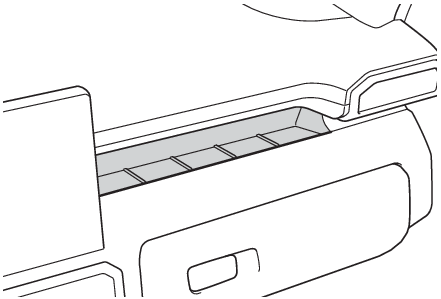
distraction, resulting in an accident.Do not store items in the tray that can easily shift or roll out.Do not stack items in the tray higher than the tray’s edge.Do not put items in the tray that may protrude over the tray’s edge.Grocery bag hooksHooks
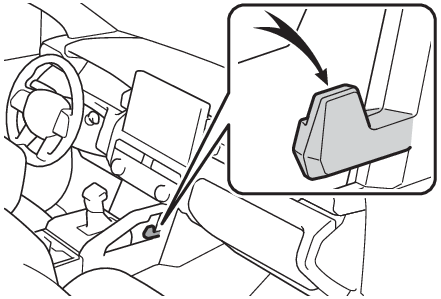
Grocery bag hooksStorage hookWarning:To prevent damage to the storage hookDo not hang any object heavier than 6.6 lb. (3 kg) on the storage hook.